-
How to fix 504 gateway timeout WordPress
Are you trying to access your website and coming across the 504 gateway timeout error? This is a common error for WordPress websites and can be quite alarming when you don’t know why it is happening. The downside of this error is that it does not specify it’s cause, your website becomes inaccessible to your…
-
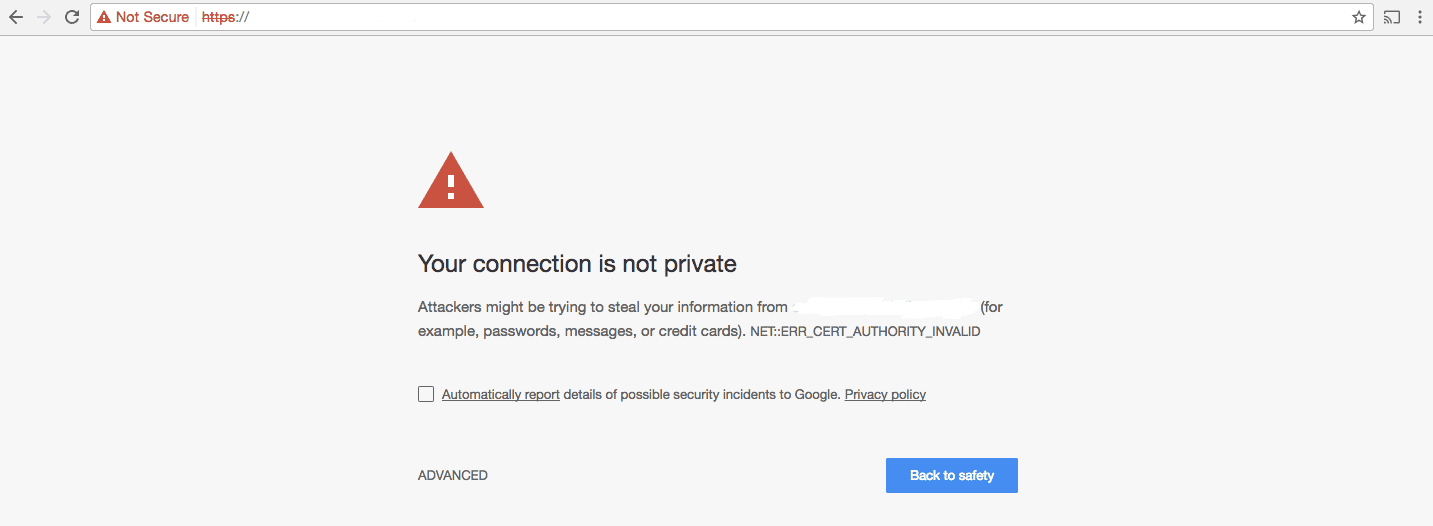
How to fix not secure WordPress website (HTTPS secure)
A ‘not secure error’ can be a pretty big deterrent for your potential website visitors as well as unnerving for you the website owner. Knowing why it is happening and how you fix it will help keep your site from displaying this error to future website visitors. This is a common error that occurs when…
-
Fix ‘the link you followed has expired in WordPress’
We’re guessing your site just declared that the ‘WordPress link you followed has expired’. While this can be extremely frustrating, worry not, this is a common WordPress error and we can help you fix it. This article will discuss why ‘The link you followed has expired’ error occurs and how to fix this error on…
-
How to fix WordPress password protected page not working
Many WordPress site owners who offer different hierarchical services through their websites are most probably familiar with the WordPress password protection page feature. Self-explanatory, this feature is used to keep certain pages and posts on a site hidden from the public i.e pages that are reserved for clients only, or staff only. Alternatively, you can…
-
How to fix WordPress too many redirects error
Are you locked out of your WordPress website? Are you struggling to access your web pages? Is your WordPress stuck in a redirection loop? These are common WordPress occurrences associated with the “WordPress too many redirects error” In this article we are going to talk about the ‘WordPress too many redirects error’, it’s causes, and…
-
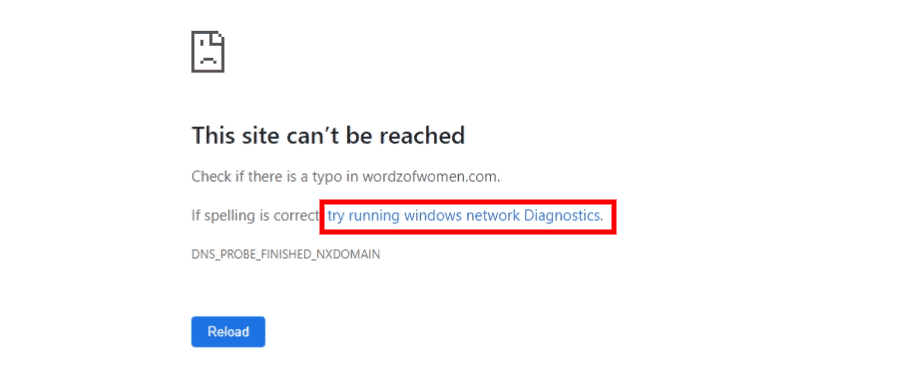
How to fix this site can’t be reached error in WordPress
This site can’t be reached in WordPress is a frustrating error because what are you to do if your site is telling you it can’t be reached. Well, plenty. There are different reasons why your WordPress site is presenting you with this error. A majority of these reasons are not as bad as the ‘consequence’. …
-
Fix WordPress stuck in maintenance mode easily
If you often update themes and plugins on your WordPress site then there is a big chance your WordPress is in maintenance mode more than you think. Maintenance mode is part and parcel of a WordPress site. Some WordPress site owners set it up to make major updates to their websites when they don’t have…
-
How to fix add media button not working on WordPress
A broken Add media button is one of those confusing and frustrating WordPress problems. Unlike other WordPress issues, the add media button does not present itself as an error nor does it stop your site from working altogether. Instead, it just stops you from adding media to your posts and site. In this article we…
-
How to fix WordPress update fatal error
Did you just update something in WordPress and now your website has what we call a WordPress update fatal error? Don’t panic — this is a common WordPress issue. In this guide we are going to learn about the WordPress update fatal error is, what causes it and how to fix the different fatal errors caused…
-
WordPress Best Practices Checklist
A Detailed Guide to Get Your Site Running Optimally Do you ever worry that your WordPress site might not be set up correctly? That you might have installed plugins that could cause problems? Or that you might have vulnerabilities that make your site open to being hacked? We get a lot of questions from customers…